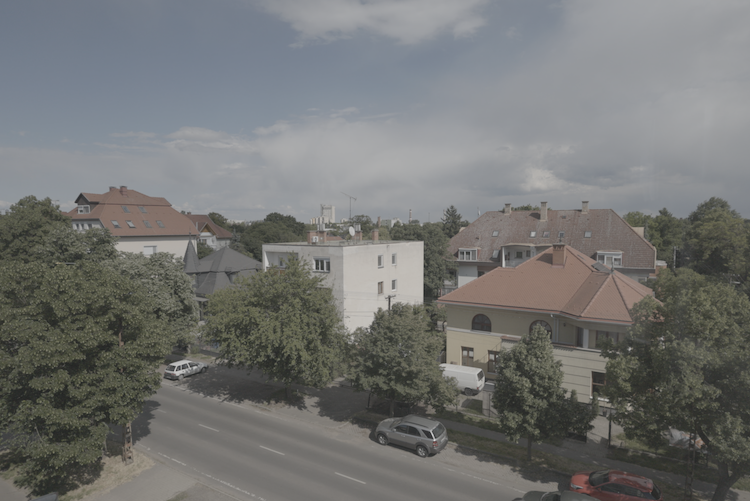
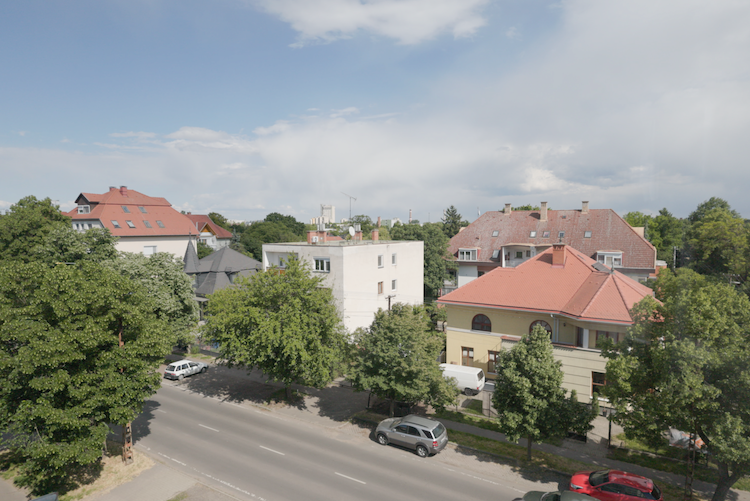
What is pixel processing?
The program performs an operation on each pixel, ignoring the values of any of the neighbouring pixels. It is suitable for simple modifications and runs quickly, but is not suitable for more complex operations such as noise filtering, blurring or sharpening, which require knowledge of the surrounding pixels.
Brightness, Contrast
Increasing the value of each pixel in an image by a constant value increases the brightness, thus subtracting the constant value decreases the brightness. Contrast is the difference between the darkest and the brightest points in an image, and can be adjusted by multiplication. The formula involves subtraction, to compensate for the change in brightness by the contrast operation.


Grayscale conversion
There are several methods to convert colour images to greyscale, such as averaging the three colour channels of pixels. The values of each channel are usually multiplied by numbers given by a standard. Each new pixel is calculated using the dot product of the original pixel (as a vector) and the vector from the standard.
According to Rec.709:
$ 0.2126 ⋅ R + 0.7152 ⋅ G + 0.0722 ⋅ B $
Lookup Table (LUT)
A very quick way to make pixel-level changes is to use a Lookup Table, or LUT for short. A list of all the possible values at the given bit depth is created along with their new values according to the formula. The computer does not have to do any calculations, just look up the new value for the current pixel. This technique is widely used for movie editing, adding filters in social media applications, storing sine values, etc.